Never Get a Bad Haircut Again: Your HairFindr Guide to Perfect Barber Communication

You're not alone! Many struggle to articulate their vision, leading to less-than-ideal results. But what if you could speak your barber's language with confidence and ensure every visit results in your best look?
With HairFindr, achieving your ideal hairstyle is easier than ever. This guide will empower you to communicate effectively, turning your haircut aspirations into reality, every single time.
Master Your Hair Identity: Research Before You Snip
Before you even think about scissors, your HairFindr journey begins with intelligent research. Understanding what truly works for you is the foundation of a great haircut. Think of it as perfect planning for your perfect hair!
What to check in HairFindr:
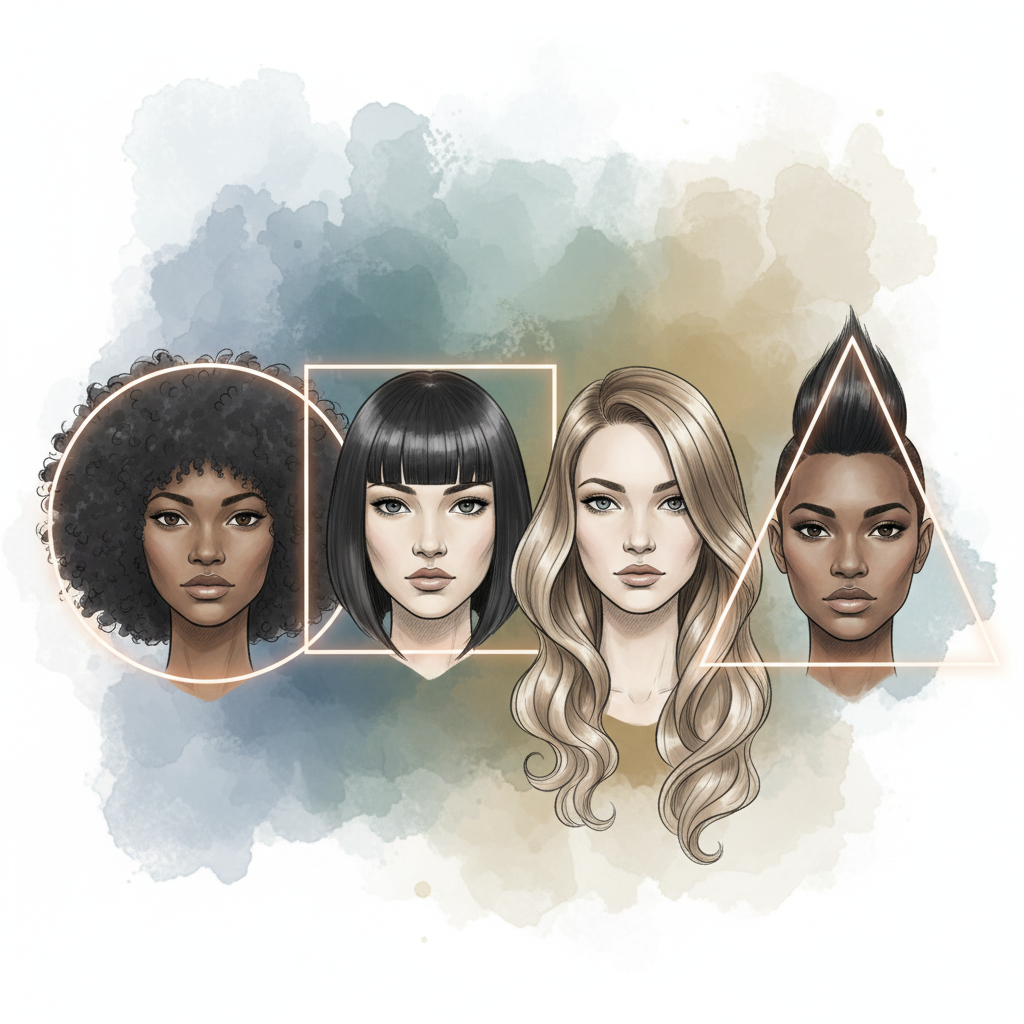
• Head Shape: Your face is the canvas, your hair the frame. HairFindr helps you identify styles that complement your unique head shape, accentuating your best features. A strong jawline might shine with an undercut, while an oblong face could benefit from a textured side part. Explore HairFindr's 'Face Shape Filter' to see what suits you!
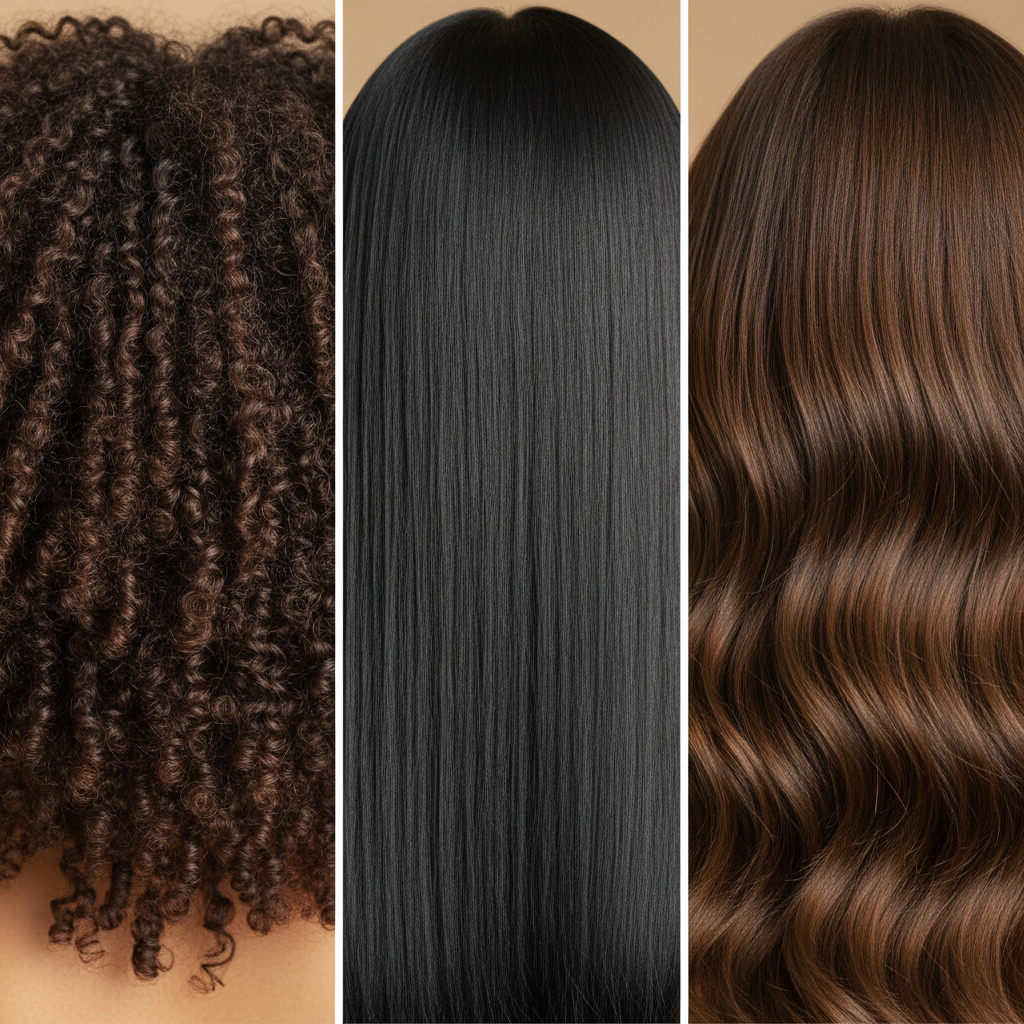
• Hair Type: Not all hair is created equal! Whether you have thick curls, fine straight hair, or anything in between, HairFindr's 'Hair Type Matcher' will show you styles that are achievable and look fantastic with your natural texture. Don't fight your hair; work with it!
• Your Lifestyle: Be realistic! If your daily routine involves active sports or a demanding job, a high-maintenance style might not be practical. HairFindr lets you filter styles by 'Maintenance Level' so you can find a look that fits seamlessly into your life.

Speak Their Language: Essential Barbering Terminology
Once you have a clear vision, the next step is translating it into your barber's language. You don't need to be a master barber, but knowing a few key terms can prevent misunderstandings and ensure precision. HairFindr’s 'Terminology Guide' is your secret weapon!
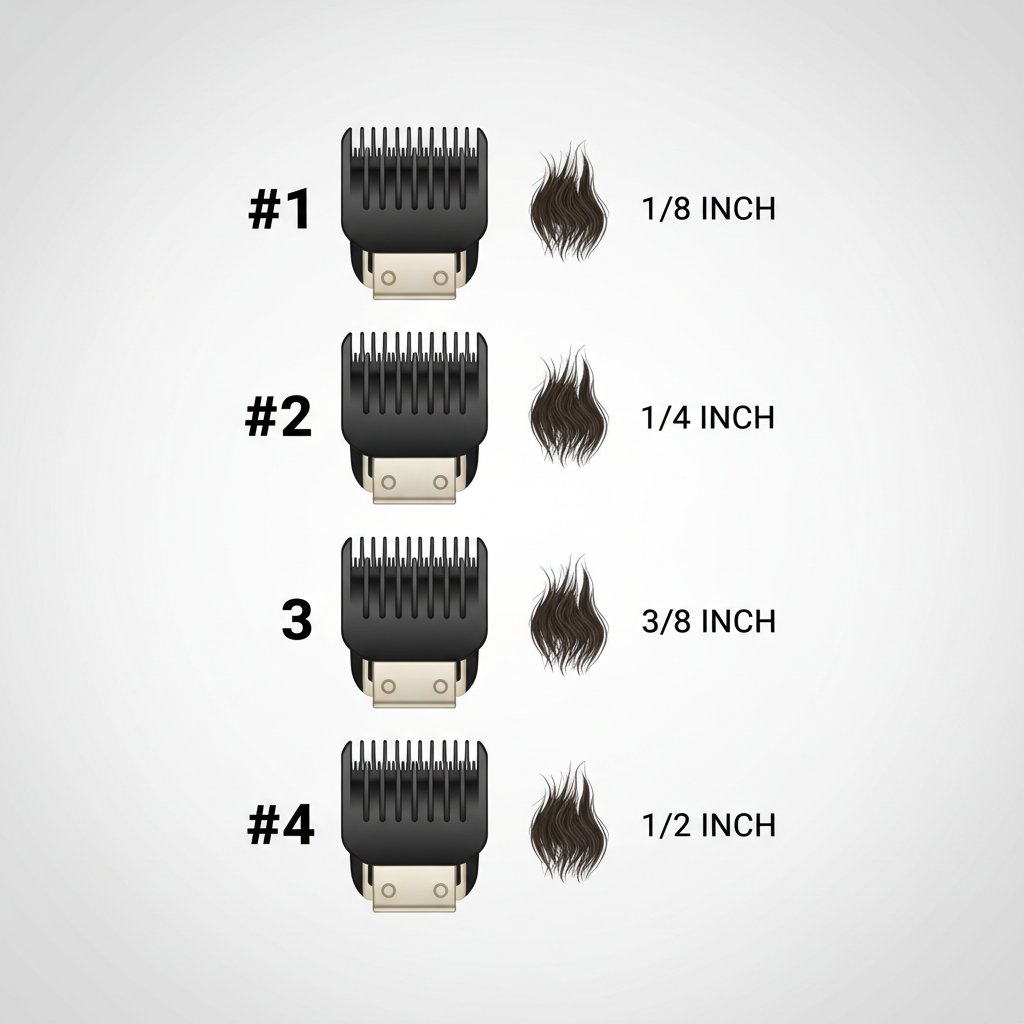
• Guard Numbering: Ever been asked '3 on the sides?' and just nodded? HairFindr demystifies guard numbers, showing you exactly what each number (from 0 to 8) corresponds to in terms of hair length (e.g., #1 = 1/8 inch, #4 = 1/2 inch). Visual examples in the app make it crystal clear.
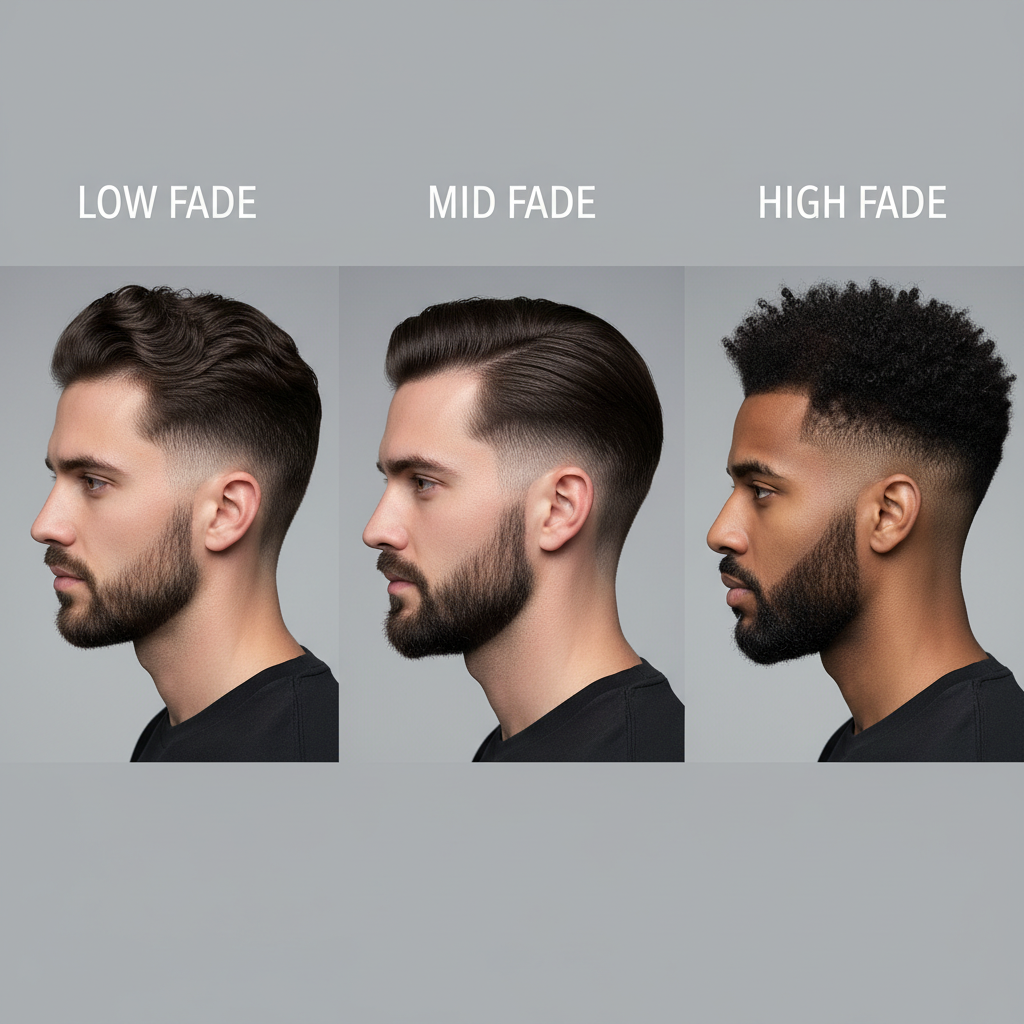
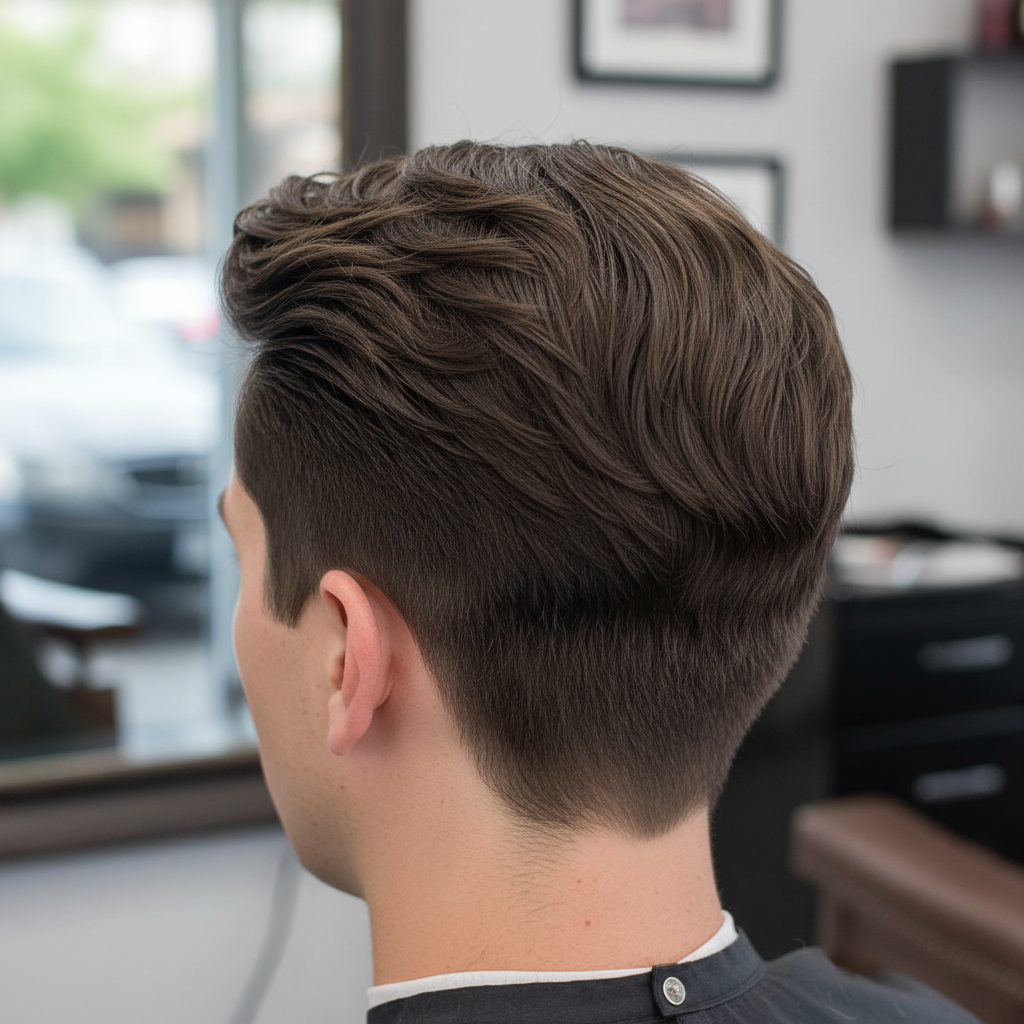
• Fade vs. Taper: These aren't interchangeable! A Fade is a short, smooth gradient haircut, often appearing to 'fade' into the skin, typically around the entire head. HairFindr illustrates different fade types like 'low fade,' 'mid fade,' and 'high fade,' so you can pinpoint your preference.
A Taper also creates a gradient but is generally longer and usually applied to the sides and back, often starting with longer hair at the top and gradually shortening towards the hairline. HairFindr showcases examples for both, helping you differentiate and choose wisely.
Crafting Your Haircut Blueprint: Descriptions & Visuals
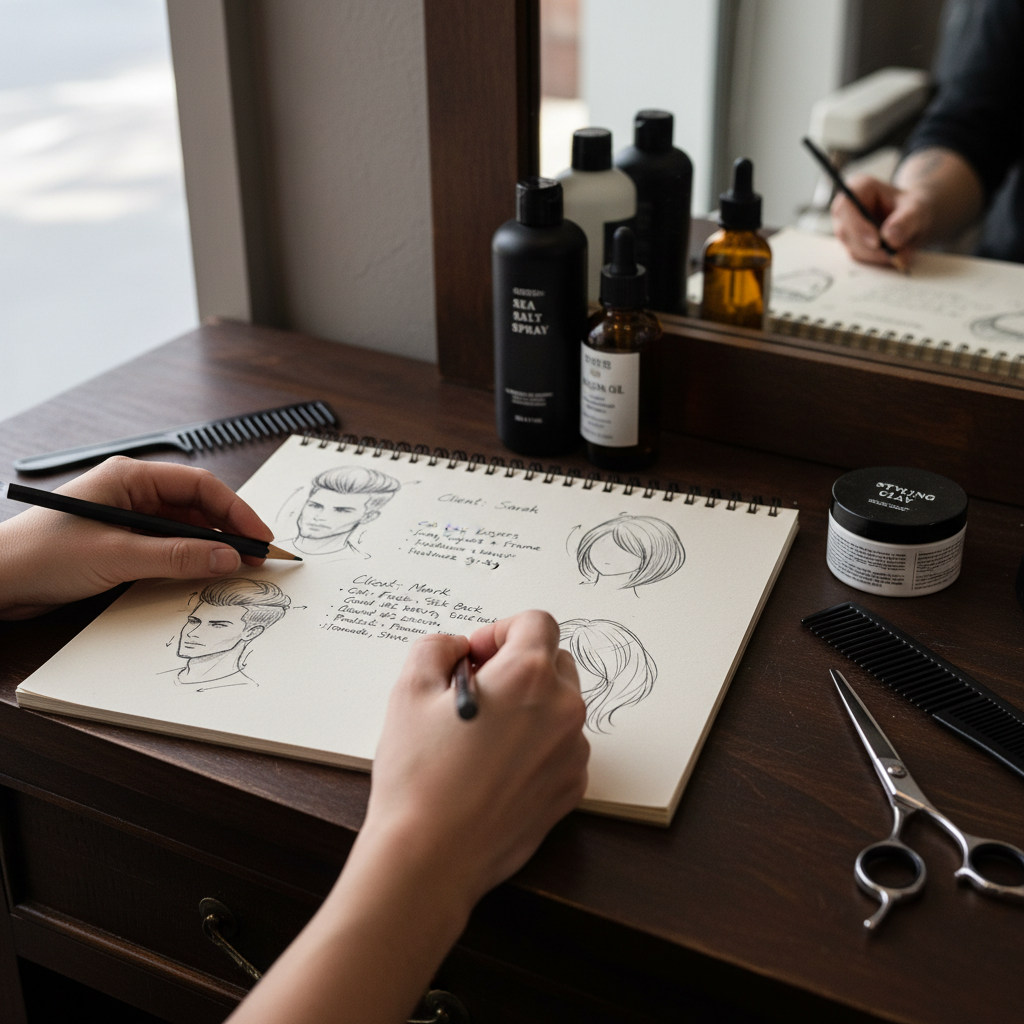
Your research and terminology knowledge come together to form your 'haircut blueprint.' HairFindr makes it easy to assemble a powerful description coupled with inspiring visuals.
• The Brief Description: Think of this as your elevator pitch for your hair. Clearly communicate:
• The overall style you envision.
• Desired length on top, sides, and back.
• Your preference for a fade or taper, and its height.
• How you want your fringe or top styled.
• Any specific neckline preferences (squared, tapered, rounded).
HairFindr's 'Style Builder' feature helps you organize these details into a concise summary.
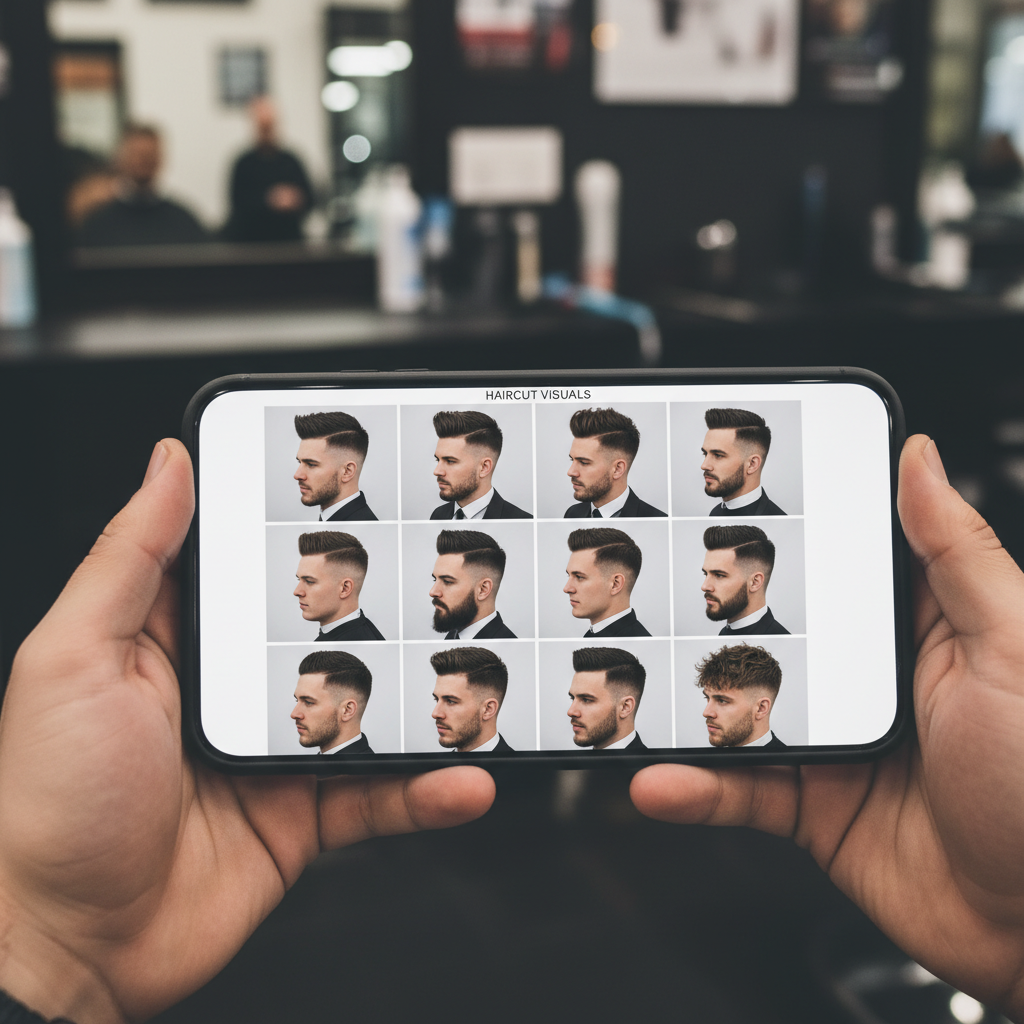
• Leverage Photos: A picture truly is worth a thousand words! Don't just rely on vague descriptions. Use HairFindr to save and present 2-3 reference photos. Multiple angles and examples help your barber understand the nuances and suggest how the style might adapt best to your hair type and face shape. You can even browse your local barber's HairFindr portfolio for cuts they've mastered!
Collaborating with Your Stylist: Embrace the Expert Consultation
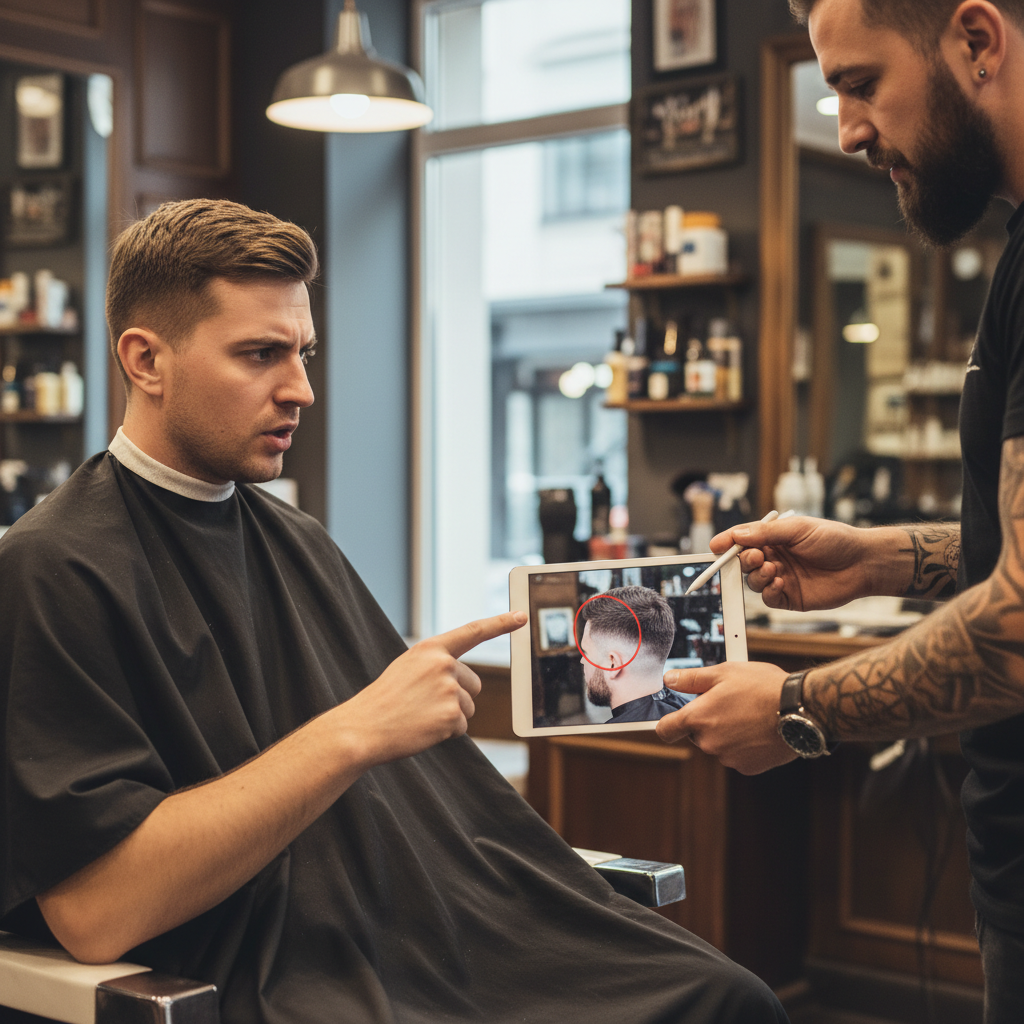
Even with perfect preparation, remember your barber is a seasoned professional. HairFindr empowers you to have a confident conversation, but also encourages you to listen and collaborate.
• Ask Questions: If you have any lingering doubts from your HairFindr research, now's the time to ask! Your barber can clarify techniques, suggest styling products, or provide maintenance tips specific to your chosen look.
• Be Open to Suggestions: Sometimes, the style you envision might need slight adjustments to perfectly suit your hair's unique texture or growth pattern. HairFindr helps you understand these possibilities by showing variations. Trust your barber's eye for detail; their expertise can often elevate your desired look beyond what you imagined.
• Experiment with Confidence: As HairFindr barber Patty Yang suggests, 'Don’t be afraid of a change!' With a solid communication strategy and your barber's guidance, you might just discover a new signature style you absolutely love. Your HairFindr profile is there to track your hair journey!



Final Thoughts
Gone are the days of barbershop anxiety! By following these HairFindr-approved steps, you'll transform your barber visits from a guessing game into a confident collaboration.
Remember to:
1. Research your ideal style with HairFindr's inspiration.
2. Understand key barbering terms.
3. Articulate your vision with clear descriptions.
4. Use photos from your HairFindr collection.
5. Trust your barber's expertise.
Ready to step into your next appointment with supreme confidence? Download HairFindr today and start building your perfect haircut profile!